GoDaddy Website Builder vs WordPress: Best for Small Business 2026?
Here is a situation many Indian small business owners know all too well: you spend three evenings trying to set up a WordPress site, get lost in plugins, hosting configs, and PHP version warnings — and your business is still offline a week later. For anyone who just wants a clean, working website today, GoDaddy Website Builder promises to be the shortcut. But does it hold up against WordPress when it matters — SEO, scalability, and real e-commerce?
In this head-to-head, we cover everything: pricing in Indian rupees, setup experience, SEO controls, online store features, and who each platform is actually built for in 2026. Skip to the Verdict if you're in a hurry.
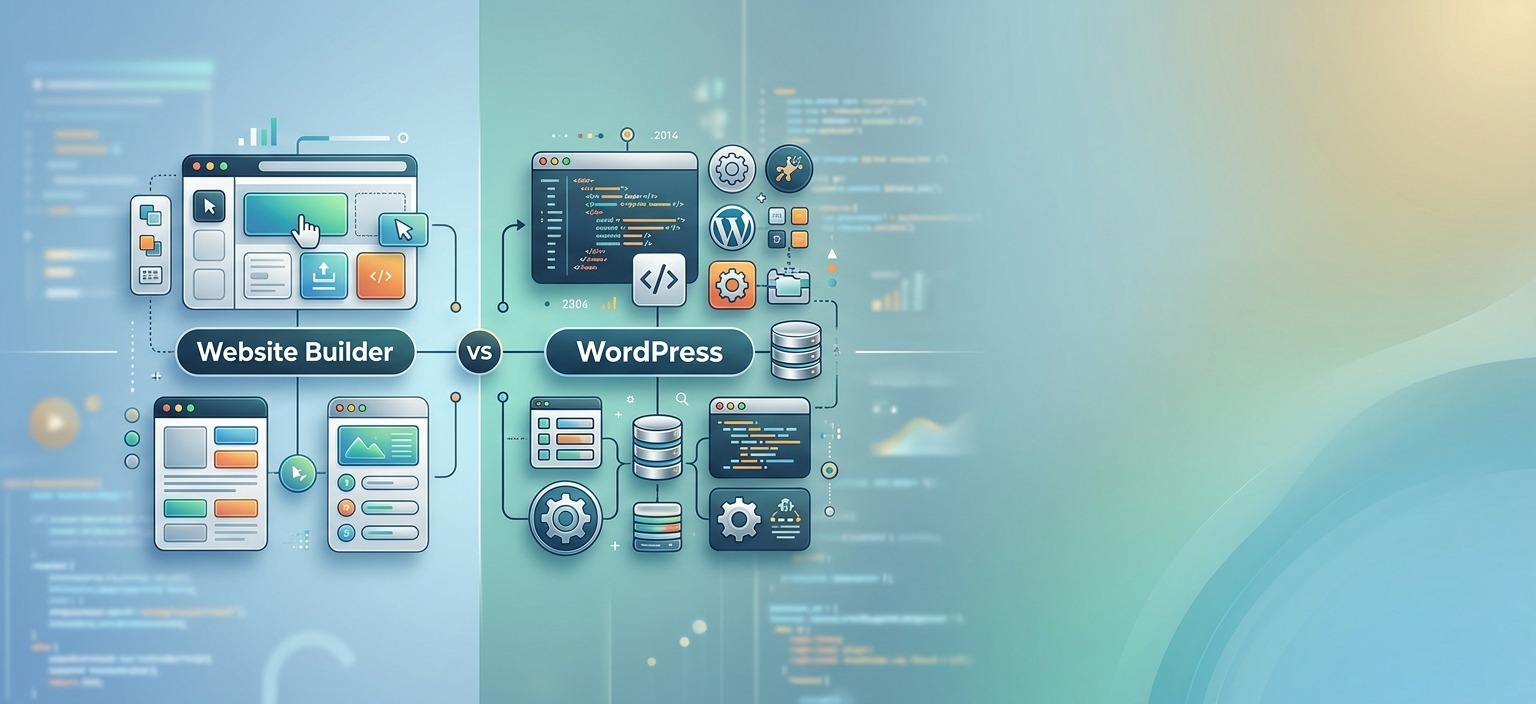
GoDaddy vs WordPress: Quick Comparison Table 2026
| Feature | GoDaddy Website Builder | WordPress (Self-Hosted) |
|---|---|---|
| Starting price (India) | ~?199/month (Basic) | ?0 software + ?150–400/month hosting |
| Setup time | 30 minutes | 2–8 hours (with plugins) |
| Technical skill needed | None | Moderate |
| Hosting included | Yes | No (buy separately) |
| SEO controls | Basic | Advanced (Yoast/RankMath) |
| Design flexibility | Moderate | Very high |
| E-commerce (online store) | Commerce plan required | WooCommerce (free plugin) |
| Security & updates | Managed by GoDaddy | Your responsibility |
| Plugin/app ecosystem | Limited | 60,000+ plugins |
| Mobile app | Yes | Yes (limited) |
| 24/7 support | Yes (all plans) | Community forums only |
| Best for | Speed, simplicity, local service businesses | Bloggers, agencies, scalable stores |
GoDaddy Website Builder Plans & Pricing in India 2026
GoDaddy bundles hosting, SSL, and the website builder into one subscription. No separate server bill, no domain-plus-hosting math. Here are the current plans available in India:
- 1 page website
- Free SSL
- Free .in domain (1 year)
- SEO wizard
- Appointment booking
- Unlimited pages
- Email marketing (100 emails/month)
- Social media integration
- Pop-up builder
- Premium themes
- Everything in Standard
- Online store (unlimited products)
- Abandoned cart recovery
- UPI, cards, COD
- Inventory management
WordPress True Cost for Small Business India: Hidden Charges Explained
WordPress.org software is free, but running it for a real business adds up. Here is what a typical Indian small business actually pays in 2026:
| Expense | Typical Cost (India/year) | Notes |
|---|---|---|
| Hosting (shared) | ?2,400–5,000/year | Hostinger, SiteGround India |
| .in Domain | ?700–1,500/year | GoDaddy, BigRock |
| SSL Certificate | ?0 (Let's Encrypt) | Most hosts include free SSL |
| Premium theme | ?2,000–8,000 (one-time) | Astra Pro, GeneratePress |
| Page builder plugin | ?2,500–7,000/year | Elementor Pro, Beaver Builder |
| SEO plugin | ?0–7,500/year | Yoast free is sufficient for most |
| Security plugin | ?0–3,500/year | Wordfence free tier works |
| Backup plugin | ?0–4,000/year | UpdraftPlus free is fine |
| Realistic total (year 1) | ?7,000–30,000 | Wide range depending on choices |
WordPress.com (the hosted version) starts at ?0 for a limited free plan and goes up to ?3,300/month for Business. The free and Personal plans don't let you install custom plugins — which defeats much of WordPress's value. Self-hosted WordPress.org is what most business owners mean when they say "WordPress."
GoDaddy Website Builder vs WordPress: Ease of Use for Non-Technical Owners
GoDaddy Website Builder
- AI-powered setup wizard — answer a few questions, get a draft site
- Drag-and-drop sections (not freeform — sections snap to a grid)
- Mobile preview baked in — what you see is what visitors get
- No plugins, no updates, no PHP errors
- Full site live in under 30 minutes
- Mobile app to edit on the go
WordPress (Self-Hosted)
- Initial setup: buy hosting ? install WordPress ? choose theme ? install plugins
- Block editor (Gutenberg) is improving but still has a learning curve
- Plugin conflicts are a real risk — can break your site
- Security updates are your responsibility
- Thousands of tutorials and a large community to help
- With Elementor/Divi, full creative control is possible
Verdict on ease of use: GoDaddy wins for anyone who needs a site running quickly without technical support. WordPress is manageable for those willing to invest a few hours learning — and the payoff in flexibility is real.
SEO & Performance: Which Platform Ranks Better on Google India?
For Indian small businesses competing on Google Search, SEO controls matter enormously. Here is how both platforms stack up:
GoDaddy Website Builder SEO
- Built-in SEO wizard guides you through title, description, and keywords
- Auto-generated XML sitemap submitted to Google
- Basic meta title and description editing per page
- No schema markup control (structured data is limited)
- No access to .htaccess or advanced redirect management
- Page speed: GoDaddy's CDN gives decent load times out of the box
WordPress SEO
- Yoast SEO or RankMath plugin — real-time content analysis, keyword density, readability score
- Full schema markup (LocalBusiness, Product, FAQ, HowTo) — critical for rich snippets in India
- Complete URL slug control, canonical tags, hreflang for multi-language
- Open Graph and Twitter Card controls built into SEO plugins
- Redirection plugin for managing 301/302 redirects
- PageSpeed depends heavily on hosting and optimisation — can be excellent or terrible
E-commerce Features for Indian Small Businesses: GoDaddy Commerce vs WooCommerce
Selling online is a core need for Indian MSMEs in 2026. Both platforms support it — but very differently.
GoDaddy Commerce Plan
- UPI, credit/debit cards, net banking via Razorpay integration
- Cash on delivery supported
- Inventory tracking included
- Abandoned cart recovery emails
- Sell on Instagram and Facebook
- Product limit: unlimited
- Transaction fees: 0% (payment gateway fees apply)
- Shipping: manual rates or third-party
WordPress + WooCommerce
- WooCommerce is free — add any Indian payment gateway
- Paytm, Razorpay, Cashfree, PayU plugins available
- GST invoice plugins (Lexa, WooCommerce GST)
- Unlimited product variants, attributes, categories
- Multi-currency support for international sales
- Shiprocket, Delhivery integrations available
- Subscription products, bookings, memberships via plugins
- 0% platform transaction fees
For a small store selling under 100 products, GoDaddy Commerce is genuinely enough. For anything more complex — subscription boxes, B2B pricing, multi-warehouse shipping — WooCommerce wins by a wide margin.
Security, Uptime & Support: GoDaddy vs WordPress for Indian Business Owners
GoDaddy Website Builder
- SSL: Free SSL included on all plans — no setup needed
- Security updates: GoDaddy manages all platform updates; you never need to patch software
- Backups: Daily backups included (can restore in one click)
- Uptime SLA: 99.9% guaranteed uptime
- Support: 24/7 phone and chat support — available in India with Hindi-language option
- DDoS protection: Included at network level
WordPress (Self-Hosted)
- SSL: Free via Let's Encrypt — requires setup with host
- Security updates: You must update WordPress core, themes, and plugins — a neglected site is a hacked site
- Backups: Depends on your host and plugins; not automatic by default
- Uptime: Depends entirely on your hosting provider
- Support: Community forums, documentation — no official phone support
- Security plugins: Wordfence, Sucuri available — free and paid
When to Choose GoDaddy Website Builder for Your Small Business
GoDaddy Website Builder is the right call when:
- You are a local service business — salon, restaurant, clinic, tutor, CA, architect — and need a professional online presence fast
- You have no technical background and cannot afford a developer
- You want zero maintenance — no updates, no security patches, no hosting management
- You are selling fewer than 200 products and need a clean, simple online store
- You need appointment booking features built in (no extra plugin required)
- Budget is tight and you want predictable monthly billing starting under ?200/month
- You want 24/7 support with a phone number you can actually call
When WordPress is the Better Choice for Your Small Business
Choose WordPress (self-hosted) when:
- You are building a content-heavy site — a blog, news portal, or resource hub — where SEO depth matters
- You need advanced e-commerce: product attributes, GST invoicing, B2B pricing, subscriptions
- You or your team can manage updates and have some technical comfort
- You want full control over every pixel of your design
- You need custom functionality not possible in a closed builder
- You plan to scale to thousands of products or pages
- You are building a multi-author publication or membership platform
Verdict: GoDaddy Website Builder vs WordPress for Indian Small Business 2026
Choose GoDaddy Website Builder if you run a local service business, have no technical team, and need a secure, maintained site live within the day. Starting at ?199/month all-in, it is genuinely the lowest-friction path to a professional web presence in India.
Choose WordPress if you are building a content strategy, need advanced SEO, want full e-commerce power, or plan to grow into a large catalogue or publication. The higher setup investment pays off in flexibility and control.
For the vast majority of Indian small business owners — especially first-timers — GoDaddy Website Builder is the smarter start. You can always migrate to WordPress later once your business demands it. Check current GoDaddy discounts before signing up.
Frequently Asked Questions: GoDaddy vs WordPress India 2026
Is GoDaddy Website Builder good for SEO?
GoDaddy offers basic SEO tools — meta titles, descriptions, and an auto-sitemap. It is sufficient for local service businesses targeting branded or location-based searches. For competitive keyword rankings or rich snippet features, WordPress with Yoast or RankMath gives significantly more control.
Can I migrate from GoDaddy Website Builder to WordPress later?
There is no automated migration tool. You would need to manually recreate your pages in WordPress. For this reason, if you anticipate needing WordPress's power within 1–2 years, starting there is more cost-effective than migrating later.
Which platform is cheaper for Indian small businesses in 2026?
GoDaddy Website Builder starts at ?199/month all-in (hosting, SSL, builder). WordPress can be cheaper long-term with a ?150/month shared host and free plugins — but year-one costs including a theme and premium plugins often exceed ?10,000. GoDaddy is the lower-cost option for simple sites in year one.
Does GoDaddy Website Builder support UPI payments in India?
Yes. The Commerce plan includes a Razorpay integration that supports UPI, credit/debit cards, net banking, and wallets. This covers the major payment methods used by Indian customers.
Is WordPress secure for a small business website?
WordPress is secure when properly maintained — updated core, themes, and plugins, plus a security plugin like Wordfence. The security risk comes from neglect. If you cannot commit to regular updates, GoDaddy's fully managed platform is the safer choice.
Which platform is better for a restaurant or local shop in India?
GoDaddy Website Builder. It includes built-in appointment booking, menu displays, contact forms, and Google Maps integration — all without plugins. A local restaurant or shop can be live with a professional site in under an hour.
More From Snapdeal




 Swiggy
 Oyorooms
 Rapido
 Myntra
 PharmEasy
 Tata Cliq
 Mamaearth
 Makemytrip